Administration
Manage account access, users, roles, and user-level settings.
Administration in the platform centres on how teams organise access to platform resources.
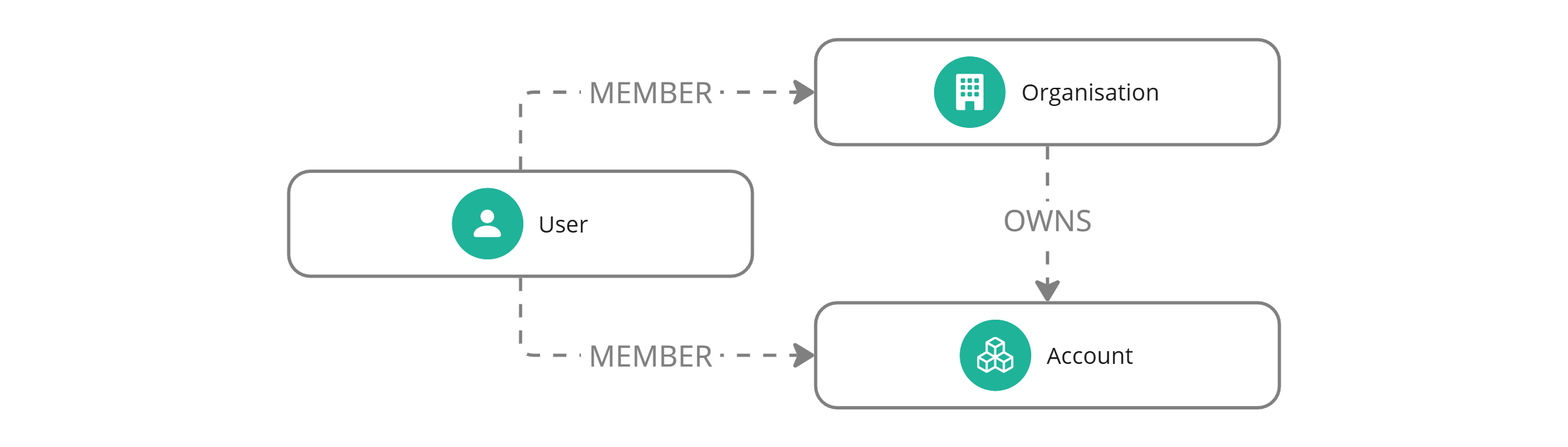
Most administration tasks happen around accounts. Accounts sit under an organisation and contain the resources your team works with, including data, models, configurations, and workspaces.
Organisations and accounts are currently created by Umnai during onboarding. During account creation, account storage is configured as either provisioned by Umnai or provided by the customer. See Account storage for the options and customer-owned S3 requirements.
In the API, administration endpoints let you retrieve the organisations and accounts available to your credentials, manage access, and work within those account boundaries.
Users can belong to one or more accounts. Their effective access depends on the identity used to make a request and the roles associated with that identity.

Access and roles
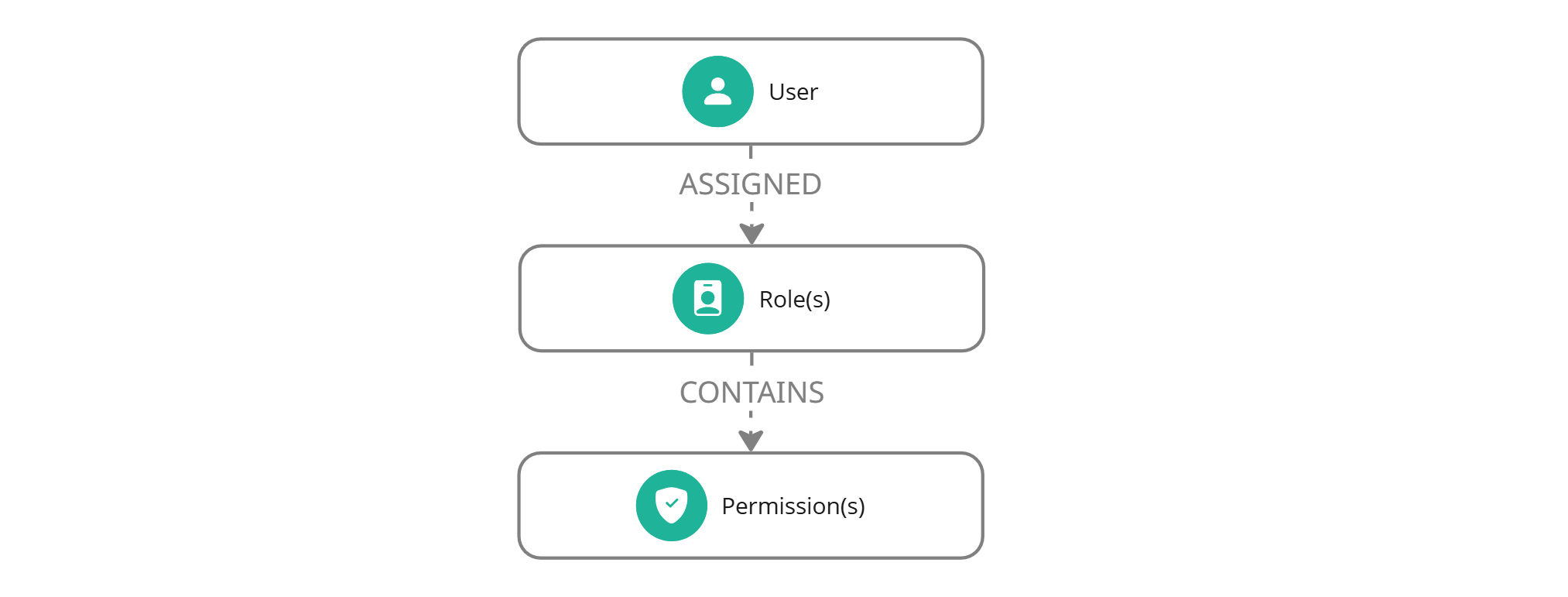
Access is shaped by both the credential used and the roles assigned to that identity.
Account credentials are scoped to a single account. User credentials act on behalf of a user and can access the organisations and accounts available to that user, subject to their roles.
Roles are visible and assignable, but role and permission management is not yet fully exposed. You can retrieve available roles and assign role IDs when inviting users.