

Onboarding
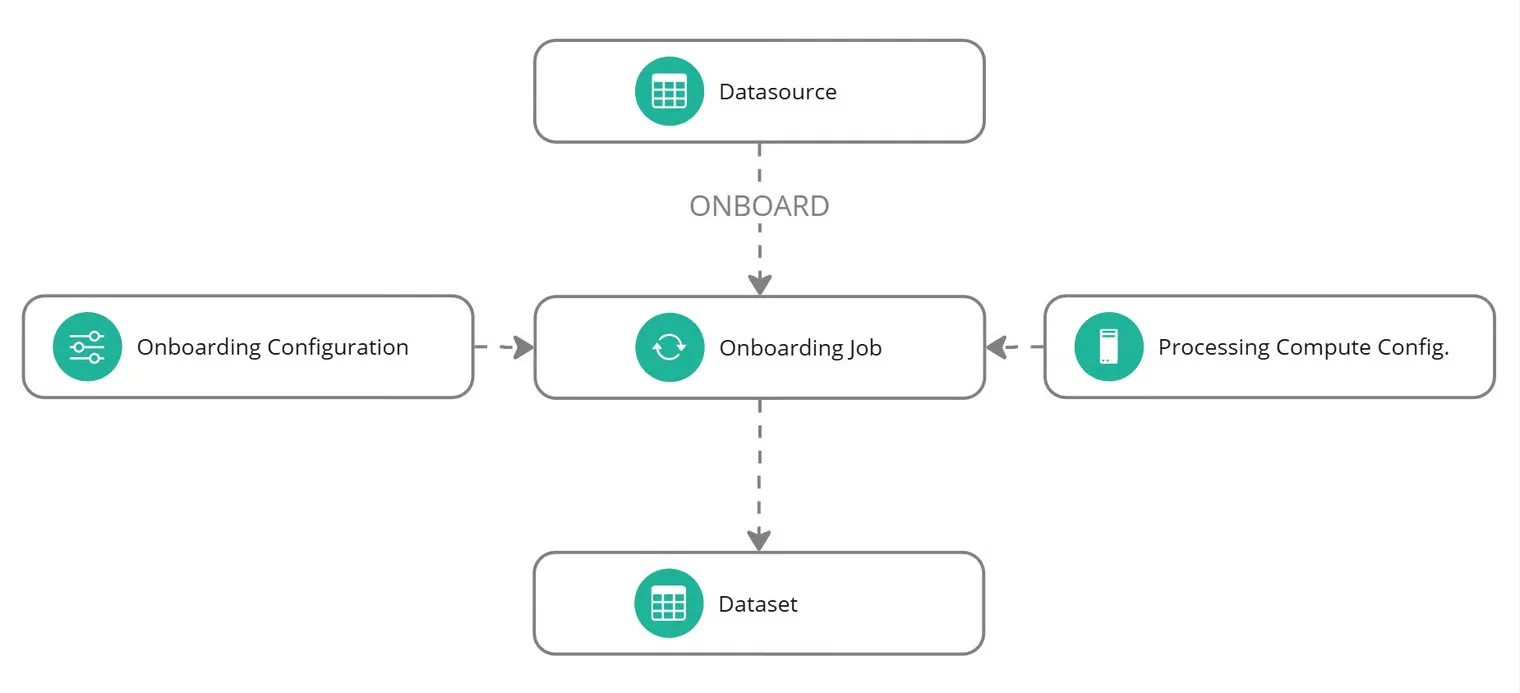
Onboarding prepares an ingested datasource for a prediction task. It applies the target, selected features, prediction type, preprocessing, sharding and encoding choices that make the data ready for training.
The output is a dataset. The datasource describes the imported data; the dataset represents that data after the onboarding choices have been applied.
How onboarding works
Configuration
The onboarding configuration defines the prediction task and how to prepare the data, including missing-value handling and categorical preprocessing.
Initial and incremental onboarding
An Initial job creates a dataset. An Incremental Update job updates an existing dataset from a datasource containing additional data. The configuration must match the job type; an optional Increment label identifies the update.
Updating a dataset does not change a model already trained from it. Run a new training job when you need a model built from the updated data.
Find onboarding resources in the app
Under Data Lab > Datasets, use onboarding configurations for the preparation choices, onboarding jobs for execution, and datasets for the outputs. A configuration is reusable; each job records a particular run and its resource references.
Next steps
Create an onboarding configuration, run an onboarding job, then inspect the dataset.