

Model constraints
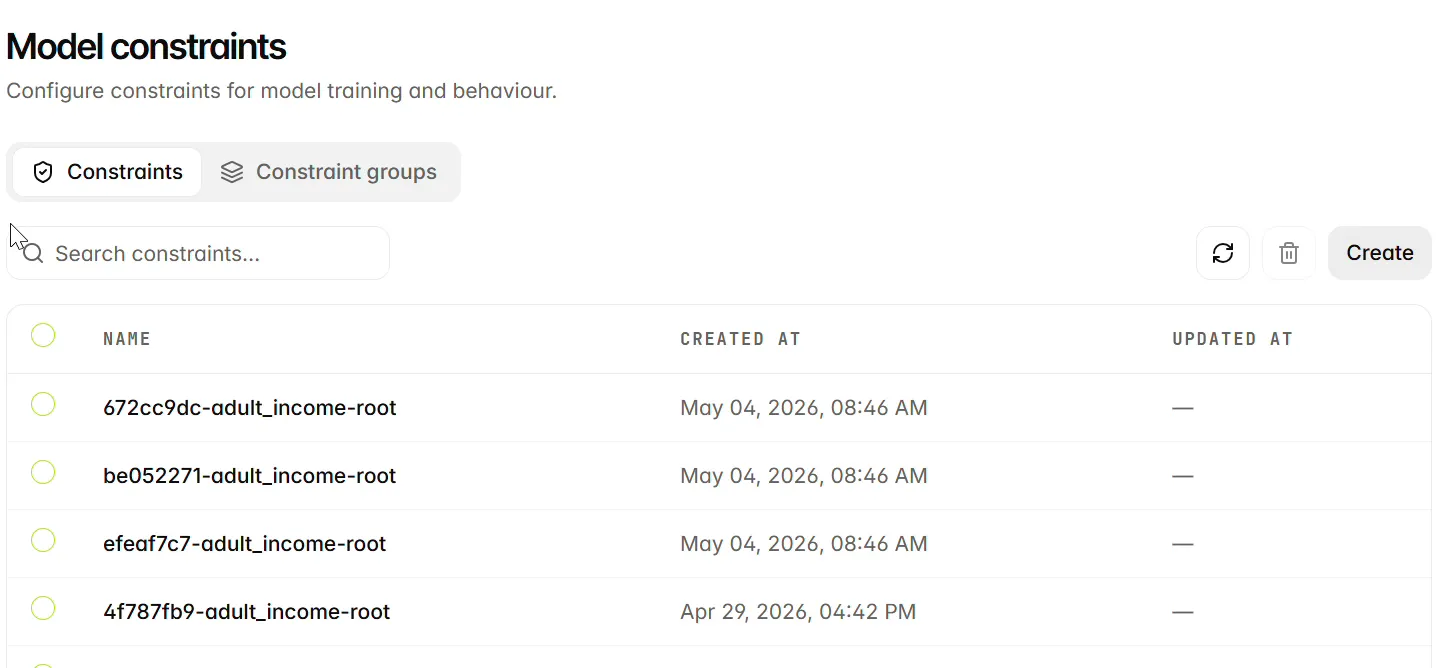
Open Model Lab > Model Constraints to inspect Constraints and Constraint groups. Constraints guide which feature modules or interactions training includes, excludes or prioritises. Create and maintain constraint definitions and group memberships through the REST API, then select the saved resources in the training job form. Continue to Training configuration for the training workflow.
Before you begin
Identify the features or interactions you intend to control. Constraints are optional; use them when there is a clear modelling reason to include, exclude or prioritise a module. Prepare saved definitions and group memberships through the REST API before selecting them for a UI training run.
Understand constraint behaviour
A module can represent one feature or an interaction between features. Check the complete feature set in each definition, its reason and its weight. A group’s name alone does not establish which constraints it contains.
Inspect and select saved constraints
- Open Model Lab > Model Constraints and use Constraints or Constraint groups to locate the saved resources.
- Review the definitions and group membership against the dataset’s feature names and intended modelling task.
- Open Training > Training jobs > Create, select the dataset and configurations, then choose the intended Constraint groups and Individual constraints.
- Review the selected resources before submitting the job. Keep their references with the run when comparing models.
Leave Exclude implicit off in the UI training configuration workflow. It must not be combined with Max interactions, which the form supplies. See Training configuration for that limitation.
Next steps
Continue to Training configuration.